Share Image Module
Introduction
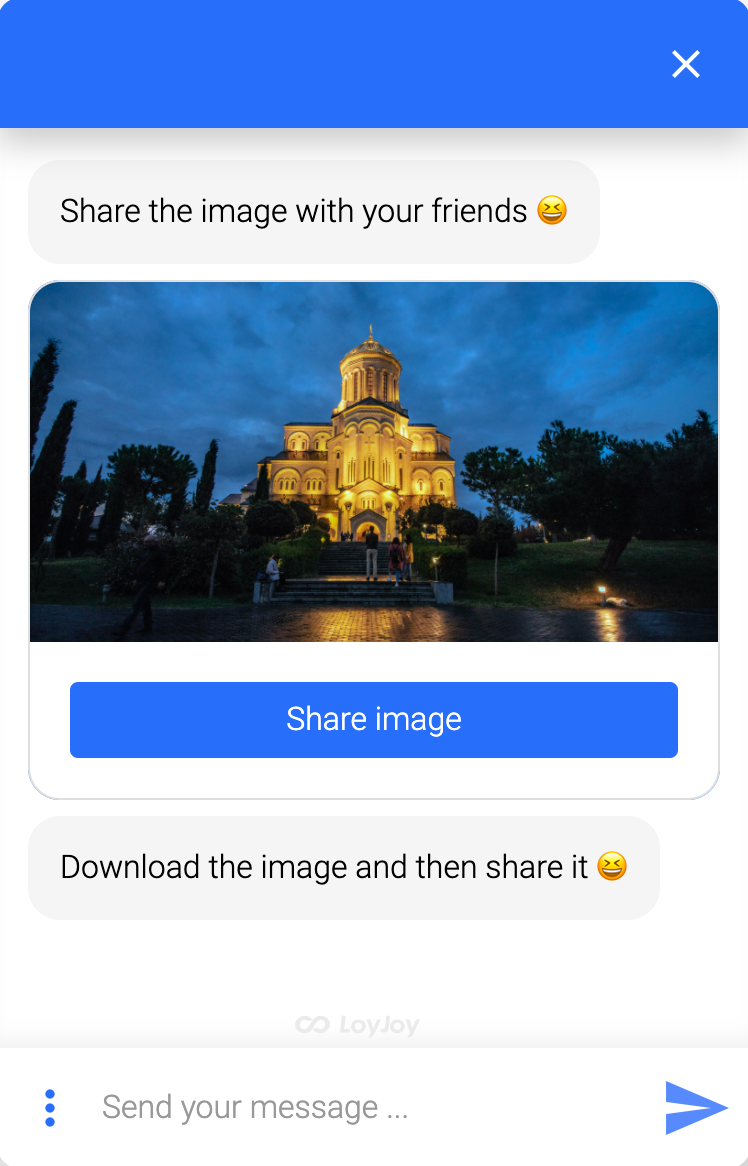
Let your customers share an image from the chat with their friends. The module displays a share button that invokes the native sharing mechanism of the device.
How It Works
- On mobile devices, the share button opens the native share sheet of the device.
- On desktop devices, a fallback option is used to share or download the image.
Typical Use Cases
- Let participants share a voucher, coupon, or win message.
- Reward customers with a shareable image that promotes your agent.
How to Use the Module
- Add the Share Image module to your process at the point where the image should be shared. The selected image is available in the process variable
$\{share_image}. - Upload the image to be shared and configure the button text.
- Publish and test on a mobile device and on desktop to check both paths.