Jump to Home View Module
Introduction
If a Home View is configured, the Jump to Home View module jumps into it. The jump is executed directly when the process is opened.
Typical Use Cases
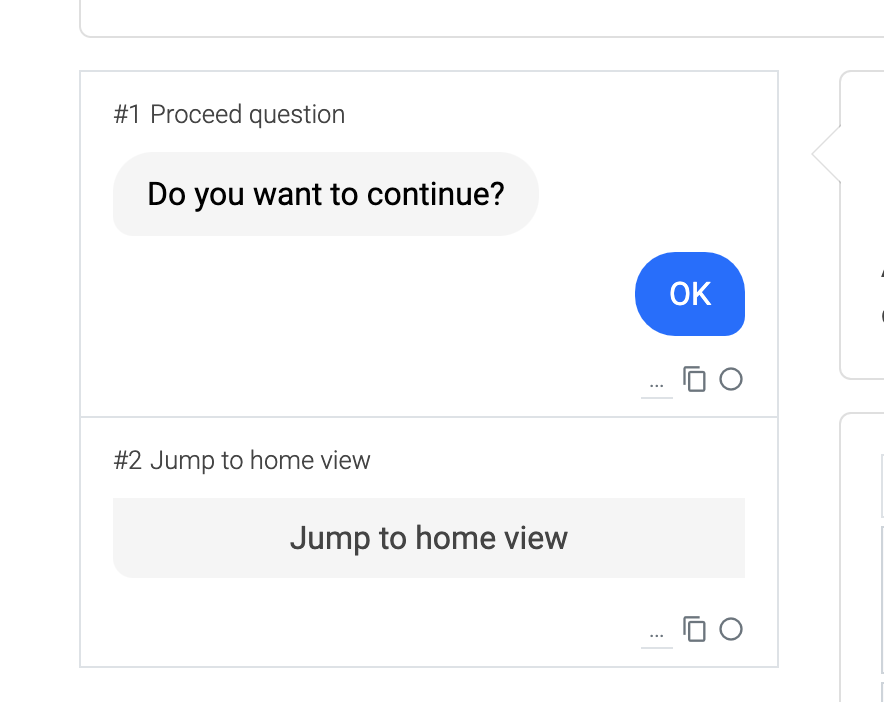
Use the module when customers should land on a Home View to pick a topic or an agent from an overview, for example in a kiosk or campaign setup.
How to Use the Module
- Add the Jump to Home View module to your process.
- Select the Home View from the drop-down inside the module.
- The jump runs as soon as the process is opened. If customers should make a choice first, place a Decision Jump or a continuation question before the module.