Clipboard Module
Introduction
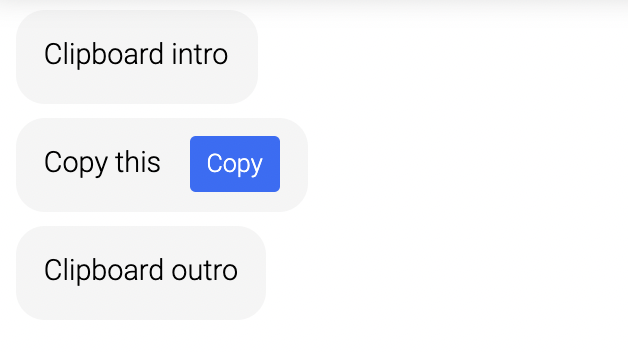
The Clipboard module displays a text message that the customer can copy to the clipboard with one tap.
Typical Use Cases
- Give the customer a code for a voucher or coupon at the end of the chat.
- Provide a win code or a personal promo code that the customer uses on your website.
How to Use the Module
- Add the Clipboard module to your process.
- Enter the text message that should be shown, for example a code.
- Optionally add an intro or outro text around the message.
- Publish and test on desktop and mobile.
Example Use Case
A customer wins a coupon in the chat. The Clipboard module shows the coupon code and a short text, and the customer copies it with one tap to use it in your shop.