Manage Catalogs
What Is a Catalog?
A catalog is a curated collection of articles on a specific topic. Catalogs are used to ground AI Agents in content you control: instead of scanning free-form sources, the AI draws from a maintained set of articles that is easy to search, edit, and translate.
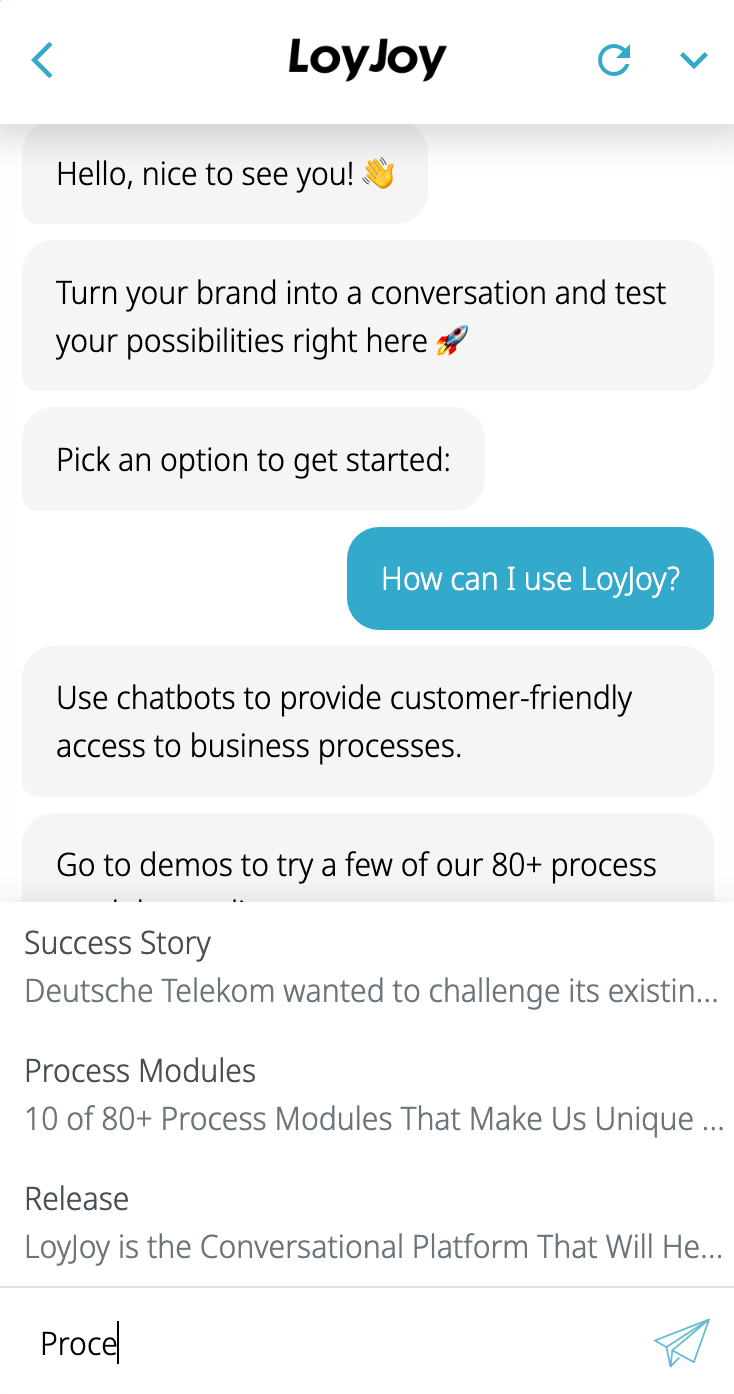
Your customers can search through the catalog while they type.
How to Create a Catalog
You have two options to create a catalog:
- Create an empty catalog and add articles manually.
- Import a Word document (
.docx) to create the articles.
Both options create a catalog with articles that you can manage under Articles.
Using a Catalog in Your Agent
The knowledge base of an agent combines sources and catalogs. To let your AI Agent use a catalog:
- Open your agent and go to the Knowledge tab.
- Add the catalog under Catalogs.
- The AI Agent module then uses the catalog articles to answer customer questions.
The AI Knowledge module also uses catalogs as a source. For new use cases, use the AI Agent module instead.
Keeping Catalogs Up to Date
In the backend you can see the analytics of each catalog: the most viewed articles and the search terms that returned no results. Use this data to add missing articles or improve existing ones. See how to manage articles here.