Accessibility: Set Alternative Text for Images
Why Alt Text Is Required
Due to the European Accessibility Act (EAA), it is mandatory to provide alternative texts for images in your agents. Alt text makes your agent usable for people who use screen readers and improves the image descriptions overall.
How to Add Alt Text
- Upload an image to your agent.
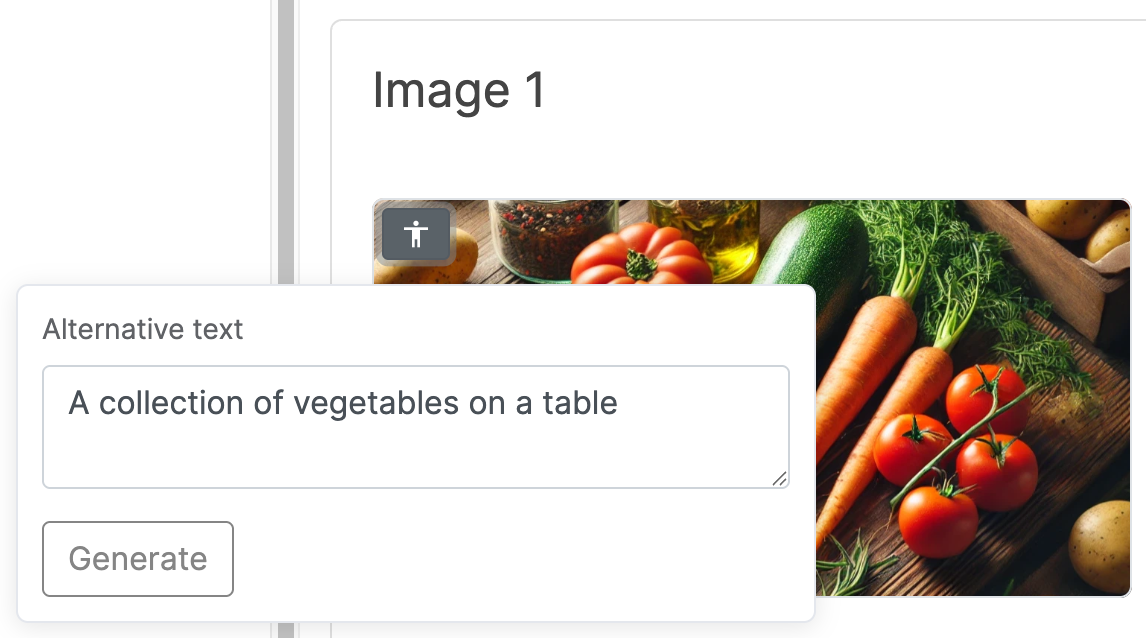
- Hover over the uploaded image and click the accessibility icon.
- Enter a short description of the image. Add the alt text for each language of your agent.
- Optionally, click Generate to let LoyJoy create a description for you.