New Agent
LoyJoy offers multiple options to create a new agent. Click New Agent in the Agents tab and choose the option that fits your use case.
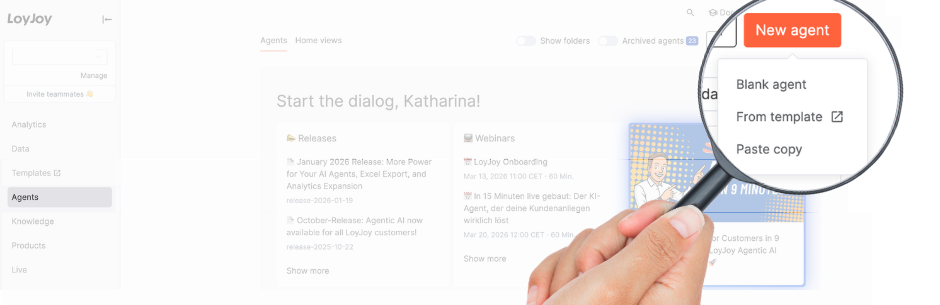
1. Chat Agent
Start with a chat-based agent for your website, messaging channels or in-app experiences. See How to Build an AI Agent.
2. Phone Agent
Start with a voice-based agent that handles inbound or outbound phone calls using speech-to-speech technology. See the step-by-step setup in our guide: How to Set Up a Phone Agent.
3. Paste Copy
Create a copy of an existing agent. Paste a copy token to clone it into your workspace. To get a copy token, click the copy icon next to the agent name.
4. From Template
At our Template Store you can choose from 50+ ready-made templates (for example giveaways or advent calendars). Click New agent in the Agents tab, then select a template and use the Add template button to add it to your tenant or workspace.
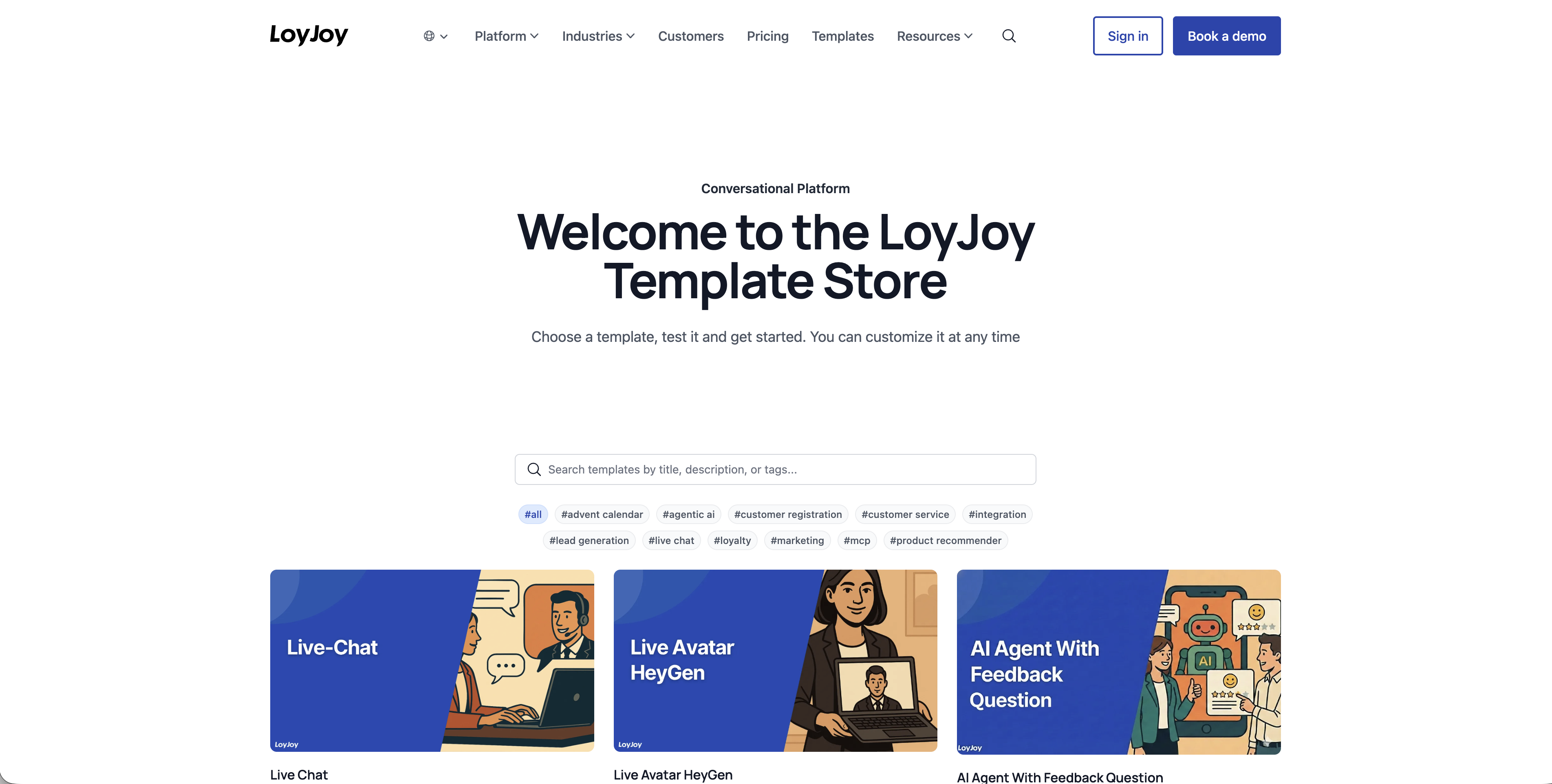
See details on the template store here.