Texts
The Texts tab shows all text fields of your agent in one aggregated view. You can check the wording, edit copy directly on the platform, or let a copywriter work on the texts without opening every module.
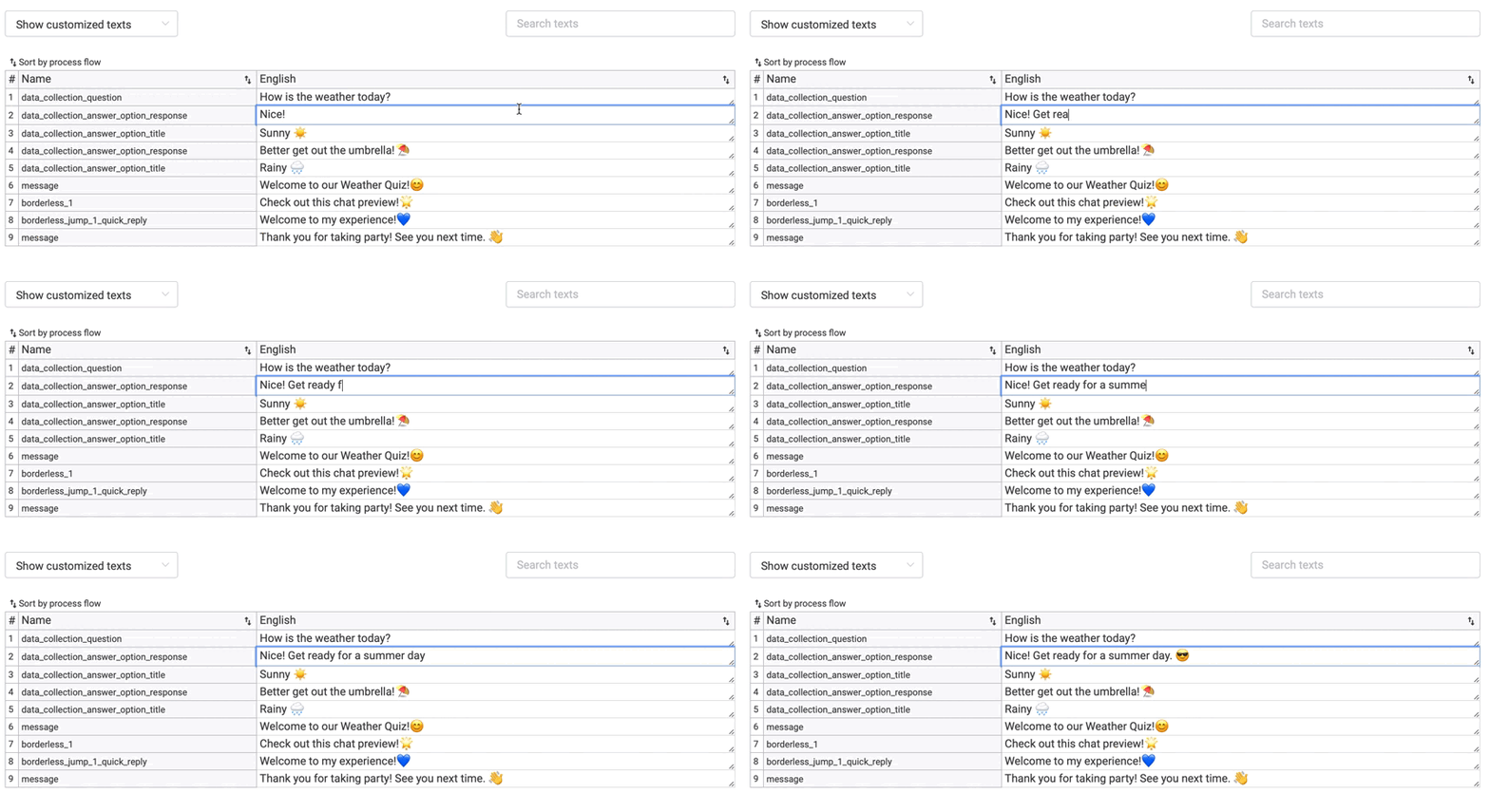
Find Texts
Use the Search texts input field to quickly find the text you are looking for. You can filter between:
- Customised texts: only the texts you have changed in your agent.
- All texts: your custom texts plus the standard texts that LoyJoy provides for a smooth chat flow.

Multilingual Check
If your agent is available in more than one language, you can quickly double-check all languages side by side under the Texts tab.
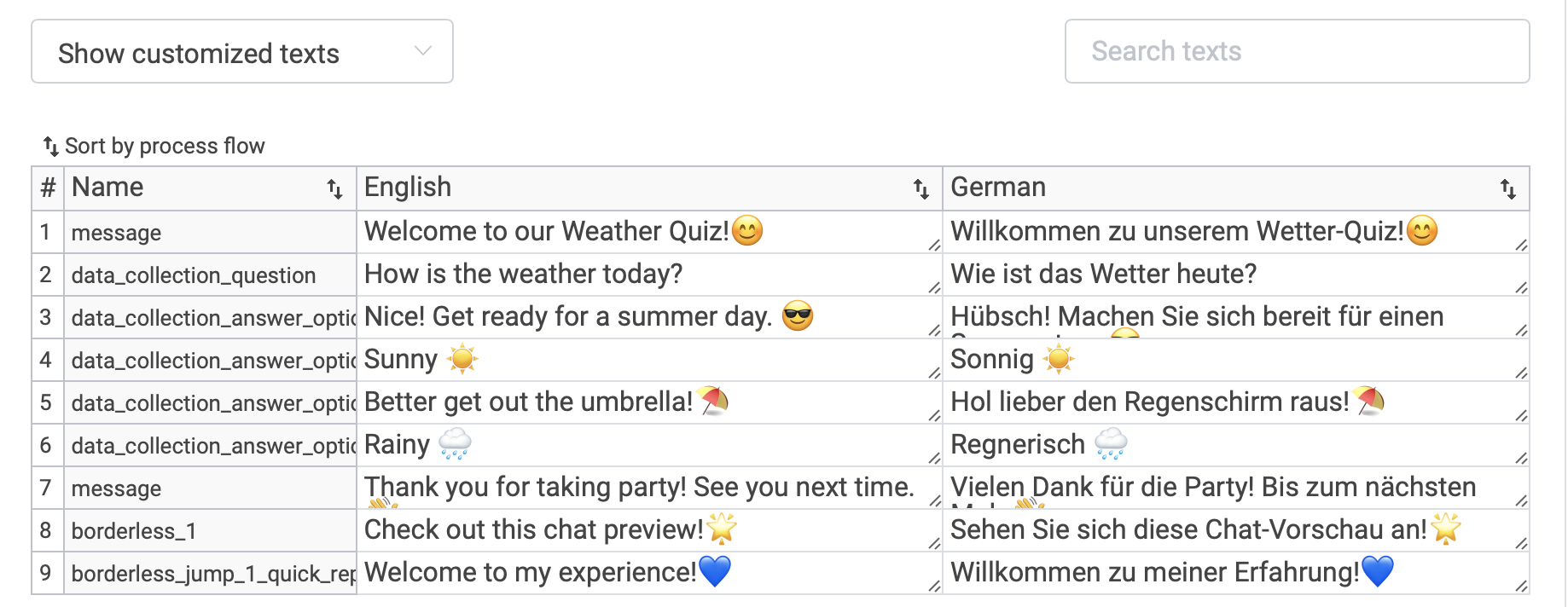
For adding or managing languages, see Languages.
CSV Export
You can download a CSV export of your texts from the Texts tab.