Live Chat FAQ
What is the difference between the statuses Online, Busy, and Offline?
Only agents with status Online count as available: they are offered to customers by the Live Chat module and are notified about new unassigned conversations. Busy keeps you visible as active for your colleagues, but customers and notifications are not routed to you. Offline means you are not available at all. Read more in the Guide for agents.
What happens when the agent ends the chat?
The customer leaves the live chat module and switches to the next module.
What happens if the user jumps to another Agent (e.g. with persistent quick responses)?
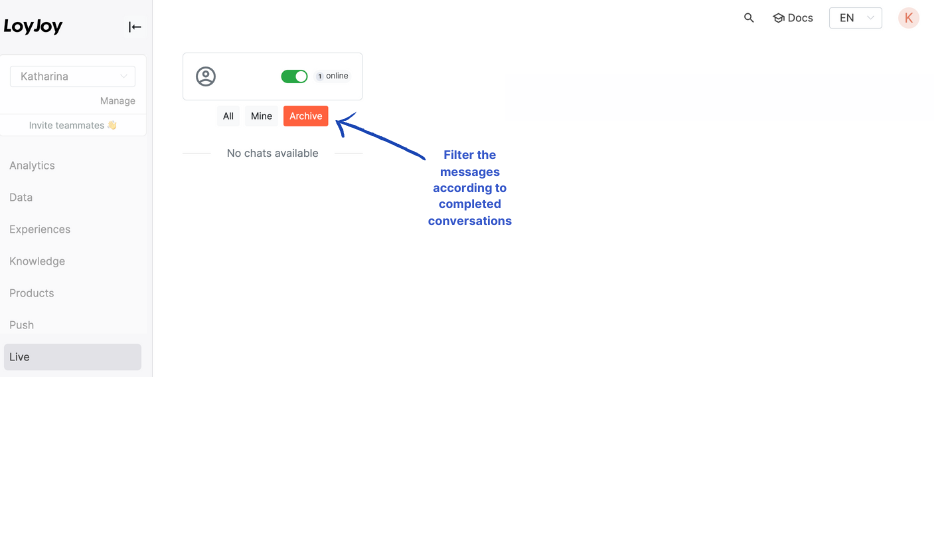
The agent can no longer accept the conversation, it is “archived” in their display.
Why do I see conversations from other tenants or websites?
Your Live settings may include additional tenants. Conversations from the selected tenants are then displayed together with those from the current tenant. Click the profile icon next to your status selector, review the tenant selection, and remove any tenants you do not want to monitor. You can select up to three additional tenants. For detailed instructions, see Viewing Conversations from Additional Tenants.