Loop
Introduction
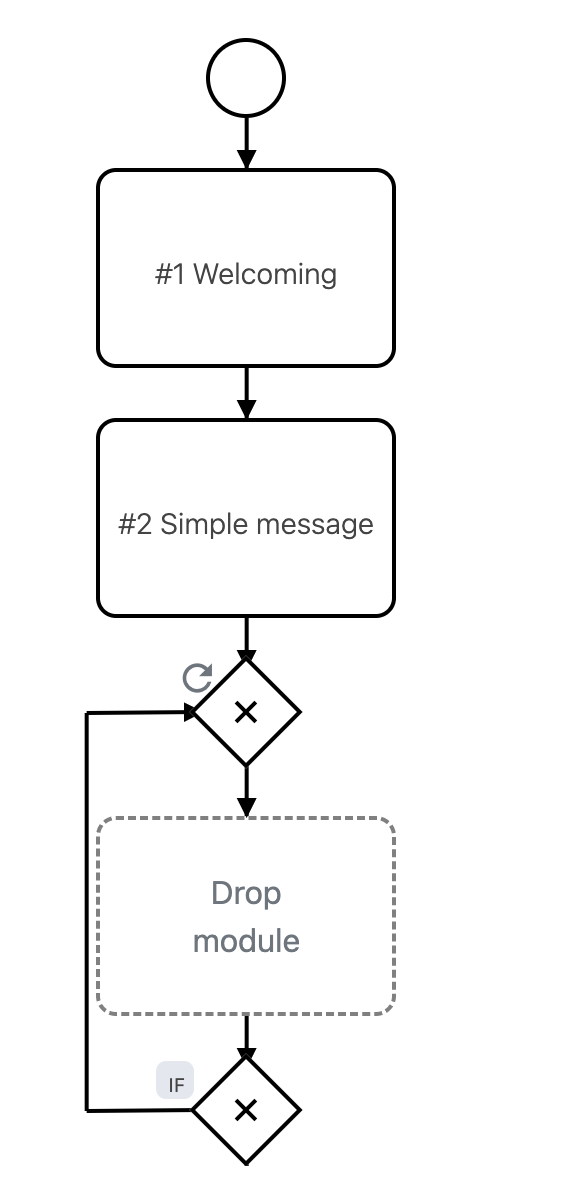
The Loop repeats a certain part of a process. It can repeat several modules, a whole branch, or the entire process.
It is important to provide the loop with a condition, otherwise it is triggered every time and the customer may run through the same steps repeatedly.
Typical Use Cases
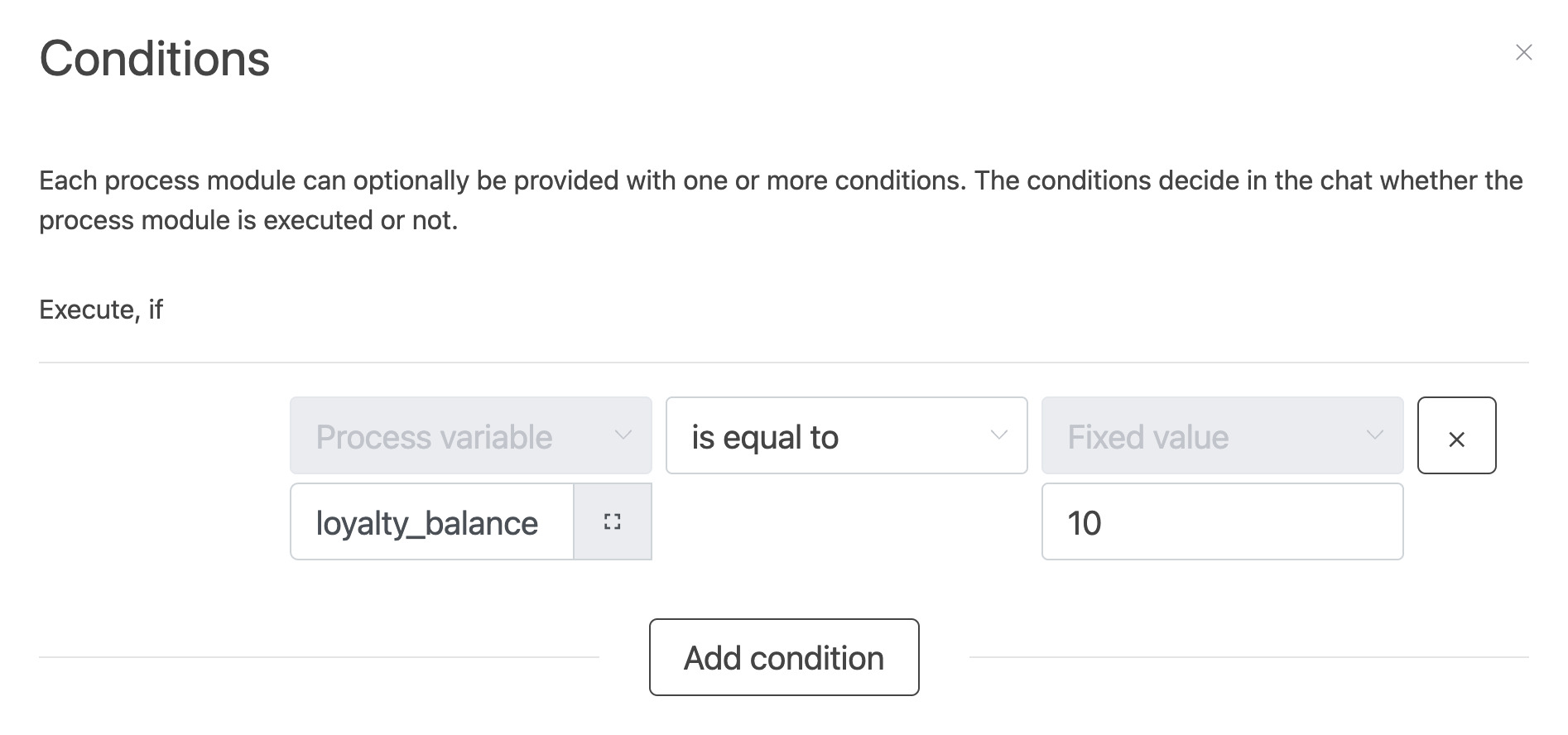
Loyalty Points
Loop as long as the customer still has a balance, conditioned by the process variable loyalty_balance.
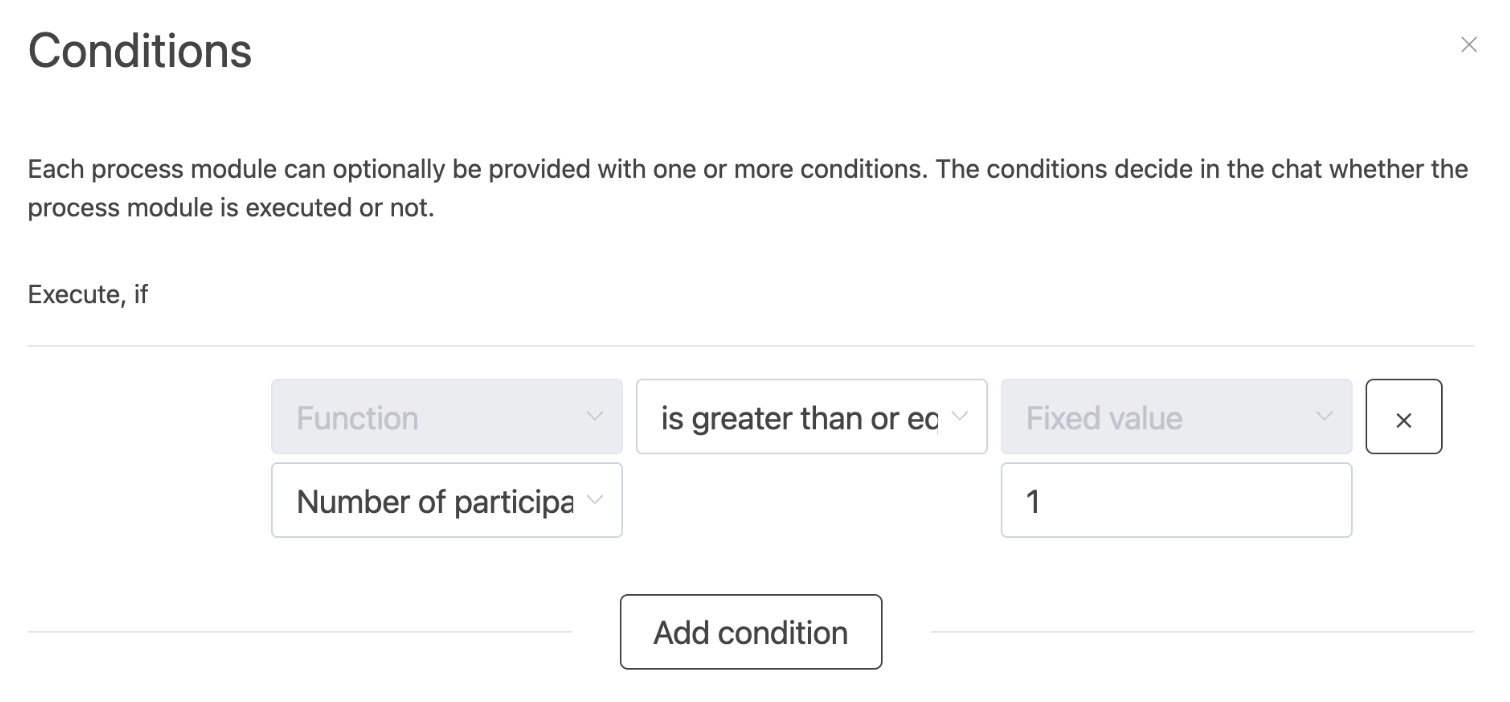
Participations
Loop until the customer has reached the maximum number of participations, conditioned by the function Number of participations of the customer in all agents.
How to Use the Module
- Add the Loop module around the part of the process that should repeat.
- Define a condition that ends the loop, for example a variable value or a participation count.
- Add an exit inside the loop, so the customer can leave the loop when the condition is met.
- Test the loop with a preview chat, including the boundary case.